Short answer: VASA Trend AI is worth a look if you want a trend indicator, a trade journal, a backtester and a Discord community bundled into one monthly bill, and you plan to stay subscribed for months. It's a poor fit if you want to own your tool, read its code, or get every feature on day one. On vasatraders.com (checked 2026-11-14), plans run $29, $49 and $79 per month, annual billing gives two months free, and new subscriptions carry a 48-hour money-back guarantee. There's no free trial of the paid indicator, only free presets.
Our methodology: we read the VASA Trend AI homepage, its pricing page, its FAQ and its refund policy on 2026-11-14. We copied each price and policy as printed and marked anything the pages don't say as unknown. We compared those findings with LuxAlgo and Quantzee, using prices from our own earlier dated reviews. We did not run the indicator on a live chart for this piece, so nothing below is a claim about its win rate.
Is VASA Trend AI worth it in 2026?
VASA Trend AI is an invite-only Pine Script indicator for TradingView, sold by VASA Trend AI LLC (doing business as VASA Traders), a company listing a Newark, Delaware address. You give them your TradingView username and they grant access. The script itself stays closed.
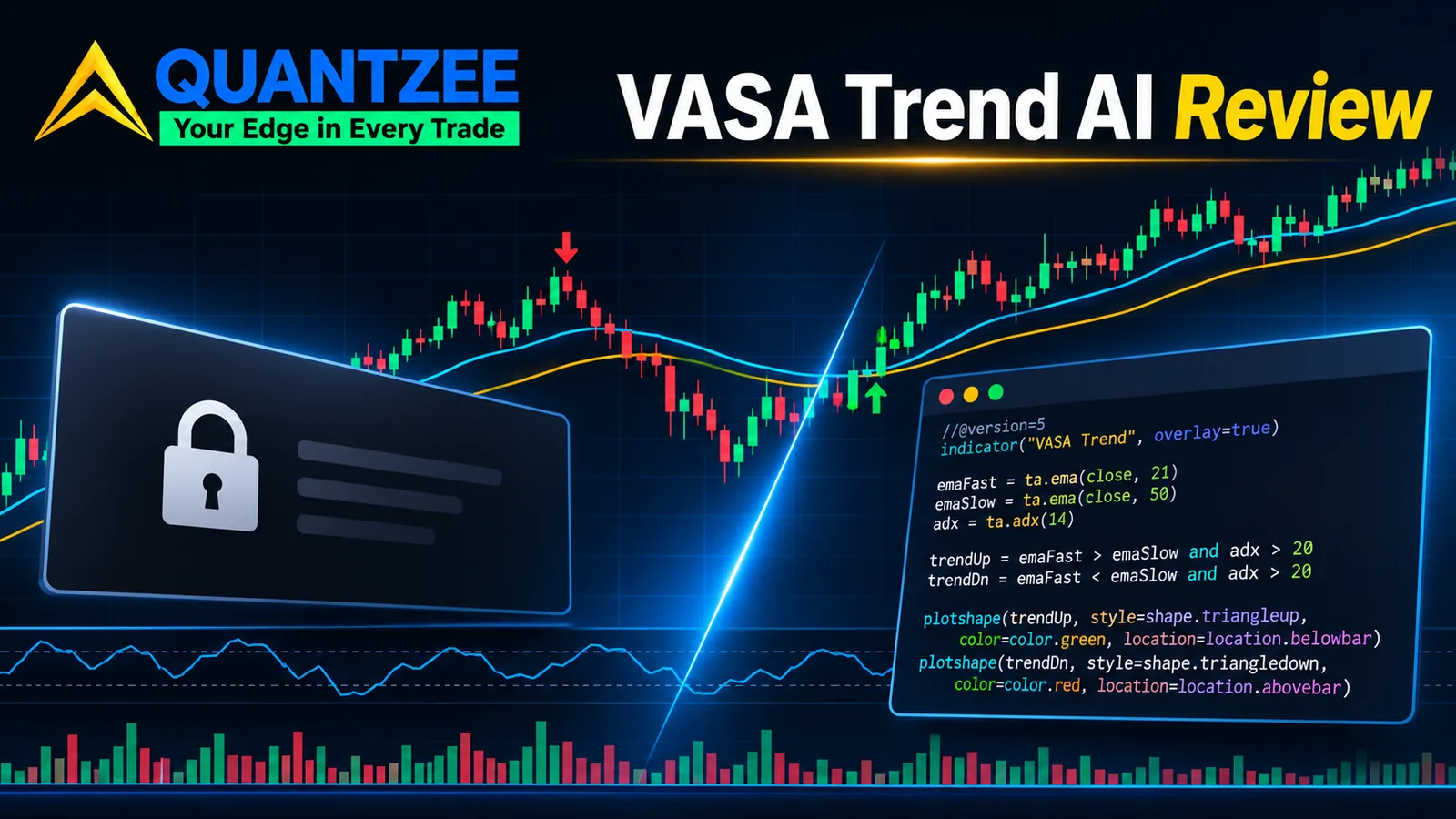
The indicator logic, as the vendor describes it, isn't exotic. Trend direction comes from two EMAs lining up, with ADX as a momentum filter. A breakout module checks price action, volume spikes, candle strength and trend alignment. Stops are ATR-based, so they widen on volatile symbols and tighten on quiet ones. A "regime awareness" layer is said to trade aggressively in strong trends and defensively in chop. None of that is secret sauce, and VASA doesn't pretend it is. What you're really paying for is everything around the indicator.
That's the part that sets it apart. The subscription bundles a trading journal, performance analytics, a visual backtester, strategy presets (a BTC scalper, a forex swing setup, a stock momentum setup), alert profiles, a leaderboard, AI-written weekly trade reviews and a private Discord. VASA also runs an academy and a separate discipline journal under the same account. If you want one place to log trades, review them and talk to other traders, that's a real convenience.
We'd also give credit for tone. The site says plainly that it doesn't publish win-rate posters or invented testimonials, calls itself "a young product," and tells you to check the non-repainting claim yourself with Bar Replay. That's more honest than most vendor pages we've reviewed this year.
So who should pass? Three groups. First, anyone who wants to buy once and keep the tool, because every VASA plan is a subscription. Second, anyone who needs a specific feature right away, because several are locked behind tenure (more on that below). Third, anyone who wants to inspect the logic, because the script is closed-source and you can't read how a signal is built.
One practical note: we found that on 2026-11-14 the vasatrendai.com address redirected to vasatraders.com/indicators, but its security certificate had expired on 10 November 2026, so a browser may show a warning before the redirect. The vasatraders.com address itself loaded normally. That's a hosting slip, not a verdict on the product, but type the vasatraders.com address directly before you enter card details.
VASA Trend AI pricing explained
Here's what the pricing page showed on 2026-11-14, monthly billing, as printed:
| Plan | Monthly price | What it adds |
|---|---|---|
| Basic | $29/mo | Base trend indicator, entry markers, ATR stop, on-chart performance dashboard, presets library, Discord, email support. Journal, analytics and up to 3 alert profiles unlock with tenure. |
| Pro (marked "Most Popular") | $49/mo | Everything in Basic plus custom alert conditions, multi-timeframe analysis, ADX filtering, AI trade reports, the visual backtester, the leaderboard and priority email. Webhook and Telegram alerts and unlimited alert profiles unlock with tenure. |
| Elite | $79/mo | Everything in Pro plus "premium overlay modules," a "smart compounding engine," a regime sensitivity module, advanced AI analytics, VIP Discord channels, a 1-on-1 setup session and 24-hour support. |
On annual billing, the vendor's own FAQ says plans start at $24 a month and that annual pricing gives two months free. Our arithmetic from that rule: ten months of the monthly price, so roughly $290 a year for Basic, $490 for Pro and $790 for Elite. The page loads annual figures with a toggle, so confirm the exact number at checkout.
The detail most reviews skip is the tenure ladder. VASA calls it "loyalty rewards," and it decides when you get features, not just which plan you're on:
- Day 1: core indicator, presets, Discord, email support.
- 1+ month: trading journal, performance analytics, up to 3 alert profiles, achievements.
- 3+ months: unlimited alert profiles, webhook integrations, leaderboard, priority support.
- 6+ months: Telegram alerts, advanced AI analytics, VIP Discord, early access.
- 12+ months: everything unlocked permanently, plus a lifetime price lock.
Put plainly, a Pro subscriber who wants webhook alerts waits about 3 months, which is $147 at the monthly rate before that feature switches on. Telegram alerts sit at 6 months, or $294 on Pro monthly. If alerts to your phone are the main reason you're buying, do that sum first. If you only want the core indicator and presets, the ladder barely matters.
Over a full year, monthly billing costs $348 on Basic, $588 on Pro and $948 on Elite. In our experience, that yearly total is the number that should drive the decision, not the headline monthly price.
VASA Trend AI vs LuxAlgo vs Quantzee
All three put trend signals on a TradingView chart. They split on pricing model, on what you can inspect, and on how much software they wrap around the indicator.
| Factor | VASA Trend AI | LuxAlgo | Quantzee |
|---|---|---|---|
| Pricing model | Subscription: $29, $49 or $79 per month; two months free on annual (checked 2026-11-14) | Subscription: $17.49 to $32.99 per month promo tiers in our 2026-10-31 check | One-time, $59.99 |
| Trial / refund | No paid trial; free presets; 48-hour money-back on the first payment | 30 days on the first payment | Lifetime support and updates included |
| Repaint statement | Reads evaluate on closed bars and don't change, per the vendor | Documented tool by tool | Signals confirm on the closed bar |
| Source code visible | No (invite-only, closed) | No (closed invite scripts) | Pine Script source emailed to you |
| Extras around the indicator | Journal, backtester, AI reviews, leaderboard, Discord, academy | Large toolkit library, screeners, community | Indicators only; no journal or community app |
Each one wins somewhere. VASA's edge is the ecosystem: if you'd otherwise pay separately for a journal and a backtest dashboard, the bundle has real value. LuxAlgo has the widest set of overlays and the most detailed public docs. Quantzee's AI TrendPulse, on the AI TrendPulse indicator page, wins on ownership and transparency. It's a one-time $59.99, about two months of VASA Basic, and you get the Pine Script so you can read the adaptive EMA trend logic line by line.
Quantzee also does less. There's no trade journal, no leaderboard, no AI review of your trades and no Discord app built in. If those are why you're shopping, VASA covers more ground. If you want the indicator itself and nothing that bills you again, a one-time license is cheaper by month three.
About repainting: VASA, LuxAlgo and Quantzee all say their signals confirm on closed bars. A vendor statement isn't proof for any of the three, ours included. Our guide on how to test a TradingView indicator for repainting walks through the Bar Replay and reload check we use. It takes about 20 minutes per symbol.
Best VASA Trend AI alternatives in 2026: 7 compared
Prices come from our own dated reviews of each vendor, linked where we have one. Vendors change prices often, so check the vendor's page before you buy. We haven't ranked these, because the right pick depends on whether you want a subscription, a lifetime license or a bundled platform.
| Alternative | Price (as of our check) | Model | Fits best if |
|---|---|---|---|
| LuxAlgo | $17.49–$32.99/mo promo tiers (2026-10-31) | Subscription | You want a large, documented overlay library. See our LuxAlgo alternatives guide |
| Quantzee | $59.99 one-time | One-time purchase | You want readable Pine Script and no renewal |
| PipTrend | $59.99/mo (2026-11-08) | Subscription | You want session liquidity levels and a multi-timeframe table |
| TradingCanyon | $59/mo, $149/quarter or $469/year (2026-11-12) | Subscription | You want a pack of 11 scripts, if sign-ups reopen |
| AlgoPro | $89.99 one-time | One-time purchase | You want a bundle of indicators for a single payment |
| VIP Algos | $99 lifetime for any 3 indicators (2026-11-07) | Lifetime bundles | You also use MetaTrader and want a big menu |
| UltraAlgo | $67–$119/mo | Subscription | You want data feeds and broker links bundled in |
A few patterns stand out. VASA Basic at $29 a month is one of the cheaper subscriptions here, cheaper than PipTrend, TradingCanyon or UltraAlgo. On price alone it holds up well. The catch is that the cheap entry tier doesn't include the backtester or AI reports; those start at $49.
The one-time options (Quantzee, AlgoPro and VIP Algos bundles) cost between two and four months of VASA Basic. None of them copy VASA's journal-plus-community setup, though. If you already keep a trade log in a spreadsheet, that bundle matters less. For a wider view of tools that confirm on closed bars, see our non-repainting TradingView indicators list.
Quantzee is on this list because it's our product, and we'd rather say so up front. We've placed it where it honestly fits, not at the top by default.
What the on-chart dashboard can and can't tell you
VASA's base plan shows a real-time dashboard with win rate, profit factor, net profit and max drawdown. These panels are common across TradingView vendors, and they're useful for comparing settings on one symbol. They are not a performance record.
Here's why. An on-chart stats box usually scores the indicator's own signals against past bars, often with no fees, no slippage and settings you've just tuned to that chart. Try changing one length input and watch the shown win rate jump on the same symbol; tuned stats like that can look far better than live trading. Treat the number as a tuning aid, not as evidence of an edge. The U.S. Securities and Exchange Commission makes the same point about any trading claim: past results don't guarantee future returns, and you should ask how a figure was produced (sec.gov investor resources).
VASA deserves fair credit here. It doesn't headline a win rate in its marketing, and it says it won't. That's the right call, and it means the dashboard is a tool, not a sales pitch.
How to decide before you pay
Since there's no paid trial, the 48-hour refund window is your trial. Here's the checklist we'd follow:
- Install the free presets first and see whether the trend reads fit your timeframe.
- Subscribe monthly, not annually, on day one. Annual saves two months, but only after you know you'll stay.
- Within 48 hours, run the repaint test on two instruments, such as one forex pair and one index.
- Write down which features you actually need and when they unlock on the tenure ladder.
- Save a copy of the refund policy before the first charge. Per the policy, refunds go out within 3–5 business days via Stripe.
- Paper trade first. Every tool here, ours included, is analytical software. None of it is investment advice, and none of it removes the risk of loss.
The Financial Industry Regulatory Authority (FINRA) gives similar advice for any paid trading product: get fees and cancellation terms in writing before your card is charged (finra.org). The Commodity Futures Trading Commission also warns forex and crypto traders to be wary of any tool sold with performance promises (cftc.gov). VASA makes no such promises, which is to its credit.
Bottom line
VASA Trend AI is a reasonably priced subscription with an honest sales page, a closed-bar repaint statement and more software around the indicator than most rivals offer. Its weak spots are a closed script, no real trial beyond 48 hours, and a tenure ladder that holds back webhook and Telegram alerts for 3 to 6 months. If the journal, backtester and community are what you want, start on monthly Pro and decide inside the refund window. If you'd rather own an indicator you can read, try Quantzee's AI TrendPulse and compare it with the table above.