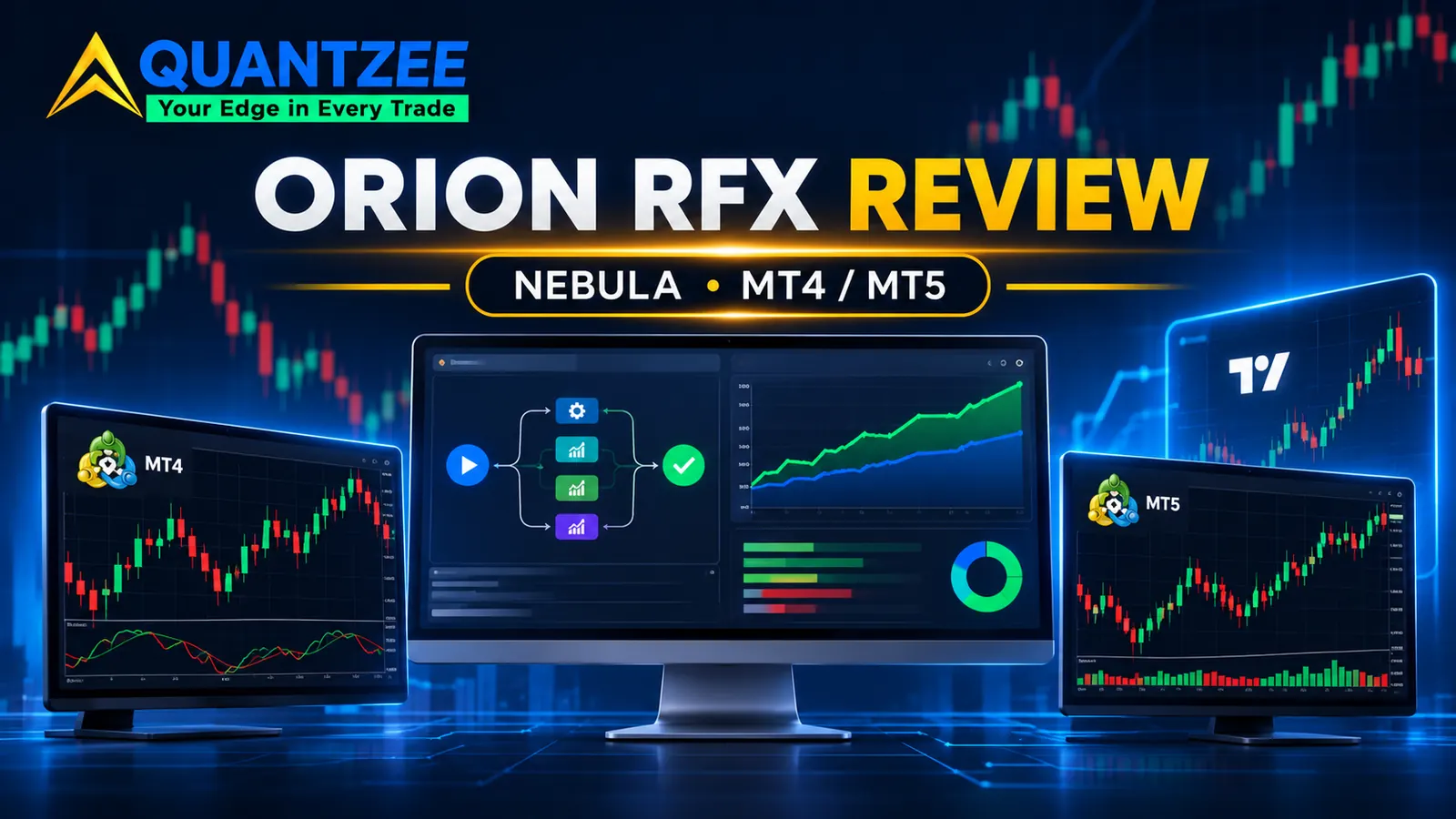
Short answer: Orion RFX is worth a look if you trade forex or gold on MetaTrader and want software that builds, tests and deploys Expert Advisors without code. Its Nebula app has a free tier that never expires, so you can judge it before paying. It's a weaker fit if you live on TradingView and want subscription chart indicators such as MarketLumina, if you want US dollar pricing, or if you need a refund after you've activated anything. Paid Nebula plans start at £29 a month (£21.75 for the first month) or £449 once for a lifetime Starter licence, per the pricing block on orionrfx.com checked on 2026-11-15.
Our methodology: on 2026-11-15 we read the Orion RFX homepage, the Nebula pricing table, the FAQ, the refund policy and the risk disclosure. We copied every price and policy line as printed and marked anything the site doesn't state as unknown. Then we compared those findings with LuxAlgo, StrategyQuant X and Quantzee, using prices we'd already checked or read the same day. We did not install Nebula or run its EAs on a funded account for this piece, so nothing below is a claim about live returns.
Is Orion RFX worth it in 2026?
Orion RFX is a UK-based brand, and it sells two quite different things under one roof. The main product is Nebula, a desktop app for Windows and macOS that searches for trading systems, tests them, and exports them as Expert Advisors for MetaTrader 4 and 5. Around it sit seven TradingView indicators, a library of 76 ready-made systems, and one-to-one mentoring at £65 an hour.
That split matters for who it suits. If you already run a MetaTrader account and have wanted to automate a strategy but can't write MQL, Nebula targets you directly. The FAQ says there's no programming at any stage, and that the app runs on your own PC, Mac or VPS against your own terminal. Your data stays with you.
If you only trade from TradingView charts, most of what you'd pay for here isn't for you. The TradingView side is a set of one-time indicator purchases, priced separately from Nebula. You'd be comparing those to other indicator vendors, not to an EA builder.
We found the site unusually restrained for this market. It doesn't promise income. The FAQ answers "Does Nebula guarantee profits?" with a flat no and warns you to be wary of any tool that claims otherwise. Prop firm mode, according to the homepage, "never promises a pass." In our experience reviewing more than 20 indicator and algo vendors on this site, that kind of wording is the exception, and it earns some trust.
The catch is the refund rule. Once you download the installer or activate a key, the refund policy says there are no refunds. So the free tier isn't a nice extra. It's the only real trial you get.
Orion RFX pricing explained
Here is the Nebula pricing table as it read on 2026-11-15. All prices are in British pounds.
| Plan | Monthly | First month | Pay once (lifetime) | What the tier adds |
|---|---|---|---|---|
| Free | £0 | n/a | n/a | Same search and tests as paid plans; one real deploy to MT5, one system, once |
| Starter | £29 | £21.75 | £449 | 1 real deploy a day on MT4 and MT5; live tracking and drift alerts; swap systems by hand |
| Pro (marked Recommended) | £59 | £44.25 | £899 | Unlimited deploys; portfolios and prop firm mode; phone alerts and control |
| Ultimate | £119 | £89.25 | £1,799 | Autonomous mode (beta); replaces drifting systems for you; choose strategy families |
The pricing page says the search and the tests are the same on every plan. What you pay for is deploys, pairs and what happens after a deploy. That's an honest way to tier it. You can see the engine's output for free and only pay when you want to put systems live.
Do the arithmetic before choosing monthly or lifetime. Starter at £29 a month costs £21.75 plus 11 × £29, or £340.75, in the first year. The £449 lifetime licence passes that in month 16. Pro breaks even later still: £899 against £59 a month is roughly 15.5 months. If you think you'll still be using it in a year and a half, lifetime is cheaper. If you're unsure, monthly caps your loss.
Two licence details are easy to miss. The FAQ says licences are single-activation and machine-locked to one device. It also says the licence term starts when you first activate the key inside the app, not when you buy. So buying during a sale doesn't cost you licence time. The FAQ also mentions 3-month, 6-month and 1-year plans that renew at the same price, though the main pricing table on the day we checked showed only Monthly and Pay once.
The TradingView indicators are priced on their own, as one-time purchases added to your TradingView username:
- Daily Bias — free
- Daily Bias Pro — £34.99
- COT Data Display — £79.99
- Order Flow — £99
- Money In Money Out — £119
- Money In Money Out + Order Flow bundle — £139
- Protocol v7 — £149
Ready-made systems in the Systems Library ranged from £9.99 to £29.99 each on the day we looked. Checkout runs through Shopify, with PayPal, Apple Pay, Google Pay, Klarna and cards listed.
Refunds, cancellation and the free tier
The refund policy is short and strict. Per the policy page, TradingView scripts are classed as digital content under the UK Consumer Contracts Regulations 2013. You get a 14-day right to cancel, but only if you haven't accessed, downloaded or activated the script. The same 14-day cooling-off applies to Nebula, and it ends the moment you download the installer or activate your key. You can read the regulation itself on legislation.gov.uk.
In practice that means you can't buy, test for a week, and ask for your money back. The policy says plainly: there's no free trial period on paid plans. Monthly plans cancel any time through a Manage Subscription portal, and you keep access to the end of the billing period. A cancelled monthly plan falls back to the free tier, and the FAQ says EAs you already exported keep running.
Our advice is simple. Use the free tier hard before you pay. Run the search on the pairs you trade, read the reports, and use your one free MT5 deploy on a demo account. If the output doesn't convince you there, a paid plan won't change your mind.
Are the blind-test numbers meaningful?
This is where Orion RFX does something most vendors don't. Instead of a screenshot of a winning month, it publishes a table of results from what it calls a sealed window: the most recent 15% of each price history, held back while systems were searched, graded and tuned. According to the homepage, the engine tested 304,705 systems this way, dated 22 Sep 2026.
The grade table, as printed:
| Search grade | Held up (profit factor above 1 on sealed data) | Systems | Median profit factor |
|---|---|---|---|
| A | 68.9% | 2,235 | 1.23 |
| B | 48.1% | 23,931 | 0.98 |
| C | 46.4% | 142,663 | 0.97 |
| D | 42.8% | 129,913 | 0.93 |
| All systems | 45.0% | 304,705 | 0.95 |
Read that table carefully, because it says more than the marketing does. Across all 304,705 systems, the median profit factor on unseen data was 0.95. That's below 1, which means the typical system lost money out of sample. Only grade A, about 1 in 136 systems, had a median above 1. Even then, nearly a third of A-grade systems (31.1%) failed to hold up.
We like that Orion RFX shows this. It's a real sign the grading does something: A beats B by over 20 points. But a profit factor of 1.23 is thin. Spread, commission and slippage can eat much of that edge, and the site itself warns that simulated results don't account for every execution cost. A sealed window is also one window. It tells you a system survived one stretch of recent data, not that it will survive the next one.
When we've tested our own strategies, the gap between a clean out-of-sample test and live fills has been the place most edges die. Our post on why backtests and live trading disagree walks through the usual causes. Treat any A-grade system as a candidate for a demo account, not a finished product. The U.S. Securities and Exchange Commission's investor pages make the same point about any performance claim: past and simulated results don't predict future returns (sec.gov/investor).
Does Orion RFX repaint?
Nebula builds EAs, so repainting in the chart-indicator sense doesn't really apply to it. Its risk is overfitting, which the FAQ says it handles with out-of-sample judging, walk-forward validation and anti-overfit checks, plus Monte Carlo robustness reports on Pro and Ultimate.
For the TradingView indicators, the only explicit claim we found is on Money In Money Out: "Closed zones never repaint." Daily Bias is described as "fixed at the daily close." Neither statement covers what happens while a zone or bar is still open, and the other five indicators carry no repaint statement on the homepage. They're invite-only scripts, so you can't read the code.
That leaves testing. Our guide on how to test any TradingView indicator for repainting covers Bar Replay, the refresh comparison and a bar-close alert check. Here's the problem: with Orion RFX's refund rule, adding a script to your account counts as access. Test the free Daily Bias first to get a feel for how the team builds, and decide on paid scripts from there.
Orion RFX vs LuxAlgo vs Quantzee
All three sell to retail traders, but they aren't the same kind of product. Orion RFX is mostly an EA builder for MetaTrader. LuxAlgo and Quantzee are TradingView indicator vendors. The comparison below sticks to the three points people search for: repaint behaviour, pricing model and what you actually get.
| Factor | Orion RFX | LuxAlgo | Quantzee |
|---|---|---|---|
| Main product | Nebula: searches, tests and exports EAs for MT4/MT5; plus 7 TradingView indicators | Large library of TradingView overlays and toolkits | 6 TradingView indicators, including SMC Toolkit Pro |
| Pricing model | Nebula £29–£119/mo or £449–£1,799 once; indicators £34.99–£149 each (checked 2026-11-15) | Monthly subscription, $17.49 (promo) to $32.99 (promo) per tier in our 2026-10-31 check | $59.99 one-time for all 6 |
| Trial / refund | Free Nebula tier; 14-day cancel only before download or activation | 30 days on first payment | Lifetime support and updates included |
| Repaint statement | "Closed zones never repaint" on one indicator; EAs judged out of sample | Documented tool by tool | Signals confirm on the closed bar |
| Source visible | No (invite-only scripts; compiled EAs) | No (closed-source invite scripts) | Pine Script emailed to you |
Each one wins somewhere. Orion RFX is the only one of the three that automates execution on MetaTrader, and its published blind-test table is more open than most vendors manage. LuxAlgo has the broadest TradingView toolkit. Quantzee wins on cost and transparency for chart work: one payment of $59.99, and you can read the Pine Script.
If smart-money structure is why you looked at Orion's Protocol v7 at £149, compare it with SMC Toolkit Pro. It marks swing and internal BOS and CHoCH, order blocks, fair value gaps and liquidity pools on TradingView, and it comes inside the same $59.99 one-time bundle. It won't build or run an EA for you, though. If automation on MT5 is the goal, Quantzee isn't a substitute for Nebula.
Best Orion RFX alternatives in 2026: 7 compared
Because Orion RFX covers two jobs, the list mixes EA-building tools with TradingView indicator vendors. We haven't ranked them. The right pick depends on whether you want automation, chart signals, or both.
| Alternative | Price (as of our check) | Model | Fits if |
|---|---|---|---|
| StrategyQuant X | $1,290 Starter, $1,490 Professional (promo), $2,900 Ultimate (promo), one-time, or 12 monthly payments (checked 2026-11-15) | One-time licence; $300 a year for updates after year one | You want a deep, desktop EA and strategy builder and can afford the upfront cost |
| MetaTrader 5 Strategy Tester + MQL5 Wizard | Free with the platform | Free | You'll accept fewer guardrails in exchange for zero cost |
| TradingView Pine strategy tester | Included on TradingView plans | Platform subscription | You want to backtest chart ideas without leaving TradingView. See our guide on how to backtest a TradingView indicator |
| LuxAlgo | $17.49–$32.99/mo promo tiers (checked 2026-10-31) | Subscription | You want documented, regularly updated overlays. See our LuxAlgo alternatives guide |
| Quantzee | $59.99 one-time | One-time purchase | You want readable Pine Script and no renewal |
| AlgoPro | $89.99 one-time | One-time purchase | You want an indicator bundle for a single payment |
| VIP Algos | $99 lifetime for any 3 indicators (checked 2026-11-07) | Lifetime bundles | You trade MetaTrader and TradingView and want a large menu |
On the automation side, StrategyQuant X is the obvious peer. It costs far more upfront, from $1,290, but it's an established builder with a long track record. Nebula is cheaper to start, at £0 or £29, and simpler, which suits someone who wants results without learning a big tool. The free MetaTrader 5 tester costs nothing but leaves overfitting control to you.
On the indicator side, Orion RFX's TradingView scripts are priced per script. Buying Protocol v7, Order Flow and Money In Money Out separately runs £367, or £288 with the bundle. Every vendor in the bottom four rows charges less than that for a full set.
Quantzee is on this list because it's our product, and we'd rather say so up front. It does less than Orion RFX: no EA builder, no MetaTrader deploys, no COT display. We've placed it where it honestly fits, not at the top by default.
How to decide before you pay
Here's the order we'd follow:
- Download Nebula free and run the search on 2 or 3 pairs you already trade.
- Use your one free MT5 deploy on a demo account and leave it for at least 4 weeks.
- Compare the demo result with the system's sealed-window profit factor. A big gap is your answer.
- Only then pick monthly (low commitment) or lifetime (cheaper after month 15 or 16).
- For TradingView scripts, start with the free Daily Bias. Remember that adding a paid script ends your cancel right.
If you trade COT positioning, check the raw data first. The Commodity Futures Trading Commission publishes the weekly Commitments of Traders reports free on cftc.gov. Orion's £79.99 COT Data Display turns those into percentages per currency. That's convenient, but the data underneath it costs nothing.
Frequently Asked Questions
Prices and policies above were read on orionrfx.com and strategyquant.com on 2026-11-15 and can change at any time. Check the vendor's page before you buy. Quantzee makes analytical software for charting and education, not investment advice. Trading involves risk of loss. If you want a one-time TradingView toolkit for structure and smart-money levels instead, see SMC Toolkit Pro.