Disclaimer: This content is for educational and informational purposes only. Quantzee indicators are analytical software tools designed to assist your own analysis. Nothing in this article constitutes investment advice. Trading involves risk of capital loss. Do your own research before making any trading decision.
LuxAlgo Signal Forge is a modular technical analysis engine on TradingView built from 11 independent filters (trend, momentum, volatility, and volume conditions) that traders combine manually to build custom buy/sell signal logic without writing Pine Script — it’s flexible but has a real learning curve, and it’s sold as part of LuxAlgo’s paid tiers ($67.99–$119.99/month), not as a standalone product.
Pricing update — checked 2026-11-04: LuxAlgo has since moved Signal Forge into its free tier. LuxAlgo’s own Signal Forge library page now states “Signal Forge sits in the LuxAlgo Library’s free tier” and it can be run and backtested in Quant with no paid plan. The $67.99/mo Premium-tier gate described throughout this review, written when Signal Forge first launched, is no longer accurate. LuxAlgo’s current tier names and prices have also changed on LuxAlgo’s own pricing page — the Essential/Premium/Ultimate names below still exist, but none of them now gate Signal Forge specifically, and none of this review’s per-tier pricing or the “Premium tier minimum” framing below should be treated as current. This whole review needs a rewrite, not just a price correction.
If you’ve searched for “LuxAlgo Signal Forge,” you’ve likely landed on generic LuxAlgo overview pages or blog indexes that mention the name in passing without actually explaining what it does, what it costs on its own, or whether the filter-stacking approach is worth the setup time. This page is a dedicated, direct answer.
What Is LuxAlgo Signal Forge?
Signal Forge is LuxAlgo’s most technically configurable product — positioned not as a fixed indicator with a single signal logic, but as a signal-building toolkit. Instead of buying an algorithm that someone else designed, you assemble your own from a library of independent filter modules, each contributing a vote toward a final composite buy/sell signal.
It launched as part of LuxAlgo’s broader 2026 platform expansion alongside the Quant AI Pine Script agent and the LUCID AI Backtesting engine, aimed at traders who found LuxAlgo’s fixed Signals & Overlays toolkit too rigid for their specific strategy logic.
The core idea is composability: rather than one algorithm making the call, Signal Forge lets you decide which conditions matter for your setup and how they should be weighted against each other.
The 11 Filters, Explained
Signal Forge’s filter library spans four categories. While LuxAlgo doesn’t publish the exact mathematical specification of each filter’s proprietary implementation, the categories and their general logic are:
Trend filters (typically 3 of the 11): Directional bias conditions — is price above/below a moving average or trend-following baseline, and is that baseline itself rising or falling. These filters answer “which way is the market leaning” before any entry condition fires.
Momentum filters (typically 3 of the 11): Oscillator-style conditions — RSI-style overbought/oversold zones, momentum-histogram expansion/contraction, and rate-of-change thresholds. These answer “is the move accelerating or losing steam.”
Volatility filters (typically 2–3 of the 11): ATR-style or Bollinger-style band conditions that gate signals by current market volatility regime — e.g., only fire in expanding-volatility conditions, or only in compressed, pre-breakout conditions.
Volume filters (typically 2 of the 11): Volume-relative-to-average conditions that confirm or veto a signal based on whether participation supports the move.
You choose which of the 11 to activate, set each one’s individual threshold, and decide the combination logic (e.g., “fire only if at least 3 of my selected 5 filters agree” vs. “fire only if all selected filters agree simultaneously”).
How You Actually Build a Signal in Signal Forge
- Open the Signal Forge panel on your TradingView chart with an active LuxAlgo subscription.
- Select which of the 11 filters to include in your composite signal (most users start with 3–5).
- Set the threshold/sensitivity for each selected filter individually.
- Choose the agreement logic — how many active filters must align before a signal fires.
- Backtest the resulting composite logic visually on the chart (or, on the Ultimate tier, run it through the LUCID AI Backtesting engine for quantified performance metrics).
- Iterate — adjust filter selection and thresholds based on what the visual/backtest signal frequency and quality look like.
This is a genuinely flexible system. It’s also, by design, a configuration project rather than a ready-to-use tool.
LuxAlgo Signal Forge Pricing 2026
Signal Forge is not sold standalone — it’s bundled into LuxAlgo’s tiered subscription plans:
| Plan | Monthly Price | Signal Forge Included? |
|---|---|---|
| Essential | $39.99/mo | No — core toolkits only (Signals & Overlays, PAC, Oscillator Matrix) |
| Premium | $67.99/mo | Yes |
| Ultimate | $119.99/mo | Yes, plus LUCID AI Backtesting for quantified performance testing of your Signal Forge combinations |
Annual billing saves roughly 40–45% off the effective monthly rate. All plans carry a 30-day money-back guarantee.
To get Signal Forge at all, you need at minimum the Premium tier ($67.99/mo, ~$815/year on monthly billing) — there is no lower-cost entry point for this specific product.
(See the pricing update note near the top of this page — as of 2026-11-04, Signal Forge no longer requires any paid LuxAlgo tier.)
Signal Forge Pros and Cons
Pros
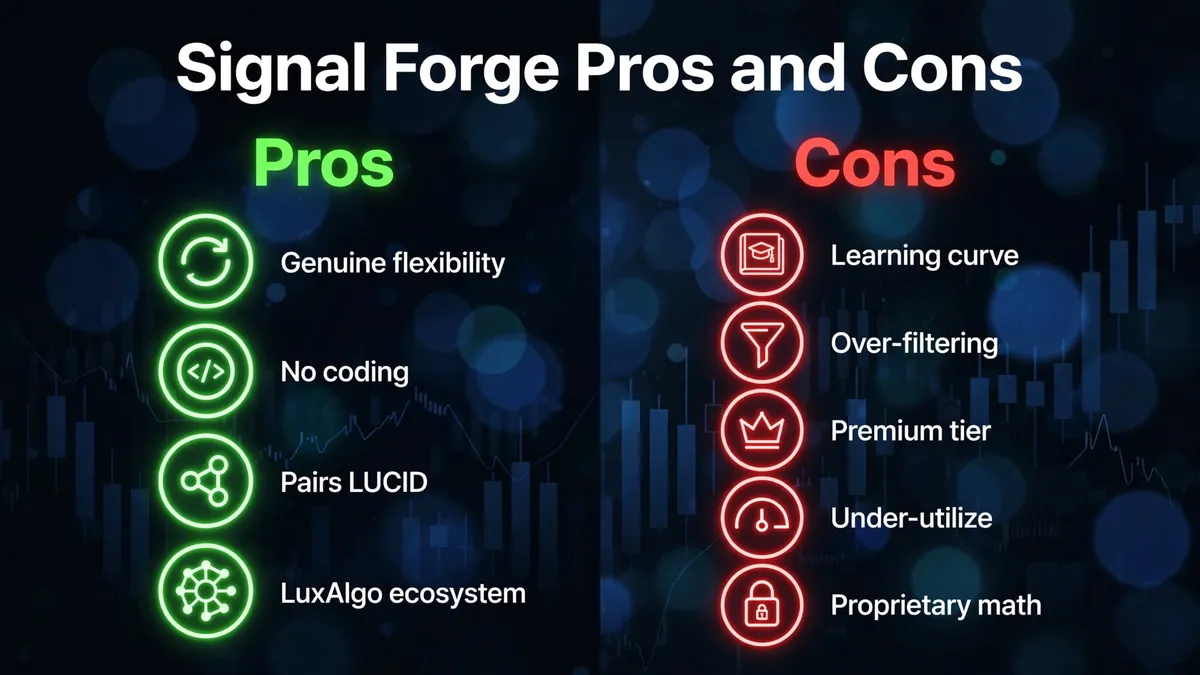
- Genuine flexibility. You’re not locked into one algorithm’s fixed logic — you decide which conditions matter for your setup.
- No coding required. The filter-selection UI means you don’t need Pine Script knowledge to build custom composite logic.
- Pairs with LUCID (Ultimate tier). Quantified backtesting of your specific filter combination, rather than just visual inspection.
- Backed by LuxAlgo’s broader ecosystem. 150,000+ member Discord community, active tutorial content specifically covering Signal Forge configurations.
Cons
- Real learning curve. Eleven filters means eleven sets of thresholds, weights, and interactions to understand before the tool produces a signal you can trust.
- Over-filtering risk. Getting the combination wrong (too many filters required to agree) tends to reduce signal frequency to the point where the tool goes quiet during exactly the moves you wanted to catch.
- Requires the Premium tier minimum ($67.99/mo) — no lower-cost way to access it.
- Most users under-utilize it. Community reports (see below) suggest most retail users never touch more than 2–3 of the available filters, leaving most of the tool’s configurability unused.
- Proprietary filter math. LuxAlgo has not published the precise formulas behind each filter, so you’re tuning against a partially opaque system even though the UI feels transparent.
What Users Say About Signal Forge
Feedback specifically on Signal Forge (as distinct from LuxAlgo’s other toolkits) clusters around two themes:
Positive: Traders with a specific strategy hypothesis in mind — e.g., “I only want to trade when volatility is expanding and volume confirms it” — report that Signal Forge is the first LuxAlgo tool that lets them encode that exact logic without writing a script. Power users describe it as “finally getting the strategy builder LuxAlgo needed.”
Critical: The most common complaint is time investment before the tool becomes useful — several reviewers describe multiple hours of trial-and-error before arriving at a filter combination they trust, and some report abandoning most filters after finding a 2–3 filter combination “good enough,” effectively underusing the product they paid a premium tier for.
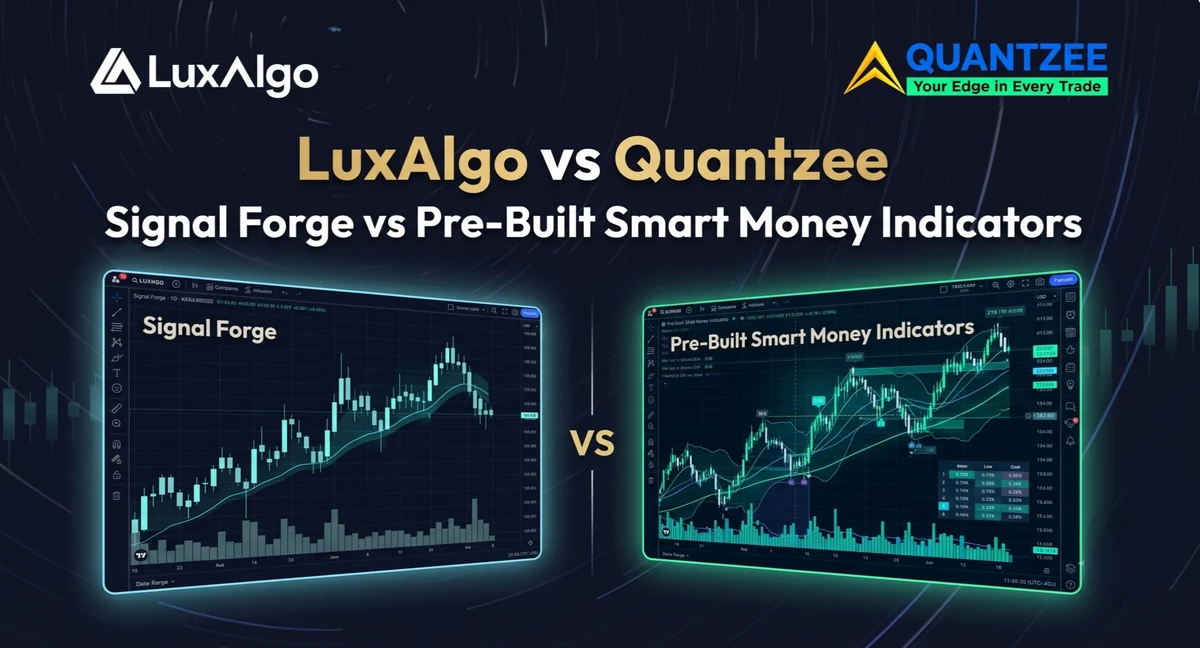
Signal Forge vs Quantzee’s Pre-Built Indicators
Quantzee takes the opposite design philosophy: instead of giving you 11 raw filters to assemble, each Quantzee indicator ships as a complete, pre-tuned signal system that works the moment you add it to a chart.
For structural/multi-factor confirmation (the job Signal Forge’s filter-stacking is aimed at), the SMC Toolkit Pro ships as a complete, pre-built Smart Money Concepts overlay — dual-leg BOS/CHoCH market structure detection, automatic order blocks and fair value gaps, equal-high/low liquidity mapping with sweep detection, and premium/discount zones with OTE, running out of the box with 14 built-in alerts. Where Signal Forge gives you 11 raw filters to configure, SMC Toolkit Pro gives you the structural read already computed.
For trend-plus-momentum confirmation — the kind of multi-factor signal many Signal Forge users are trying to build from trend + momentum + volatility filters — Quantzee’s approach is to pair two purpose-built indicators: SuperTrend Pro+ (dual-SuperTrend confluence with an ATR-based Entry/TP/SL ladder and a 5-timeframe trend dashboard) alongside MACD Pro+ (chop-graded MACD with a divergence engine). Two purpose-tuned tools, already configured, instead of one 11-filter engine assembled from scratch.
The closest one-to-one match for what Signal Forge is actually trying to do — combine several conditions into a single composite buy/sell call — is the AI Adaptive Quant Toolkit. Instead of 11 filters you select and weight yourself, it ships as one pre-built decision-support system: a self-tuning SuperTrend matrix, an AI signal classifier, Smart Trail, Neo Cloud, Reversal Zones, and a live multi-metric dashboard, all working together out of the box. Where Signal Forge asks you to decide which conditions matter and how they combine, the AI Adaptive Quant Toolkit makes that call itself and outputs one signal.
| LuxAlgo Signal Forge | Quantzee (SMC Toolkit Pro + Pro+ line) | |
|---|---|---|
| Setup model | 11 filters, manually combined and weighted | Pre-built, works on add-to-chart |
| Time to first usable signal | Hours (filter selection + threshold tuning) | Minutes |
| Learning curve | High — requires understanding each filter’s interaction | Low — signals and structure ship configured |
| Underlying algorithm math | Proprietary, not published | Documented (K-Means clustering, dual-SuperTrend confluence, Ehlers filters) |
| Repainting | Closed-bar filters are stable; composite signal depends on filter selection | Non-repainting by design across all indicators |
| Backtesting | Visual only, unless on Ultimate tier (LUCID) | No dedicated in-suite backtester |
| Minimum price to access | $67.99/mo (Premium tier) | $59.99 once (full 6-indicator suite) |
| Best for | Traders who want to hand-build custom logic and have time to tune it | Traders who want structural/momentum signals ready immediately |
Signal Forge vs Quantzee: Feature Comparison
| Feature | LuxAlgo Signal Forge | Quantzee AI Suite |
|---|---|---|
| Price | $67.99–$119.99/mo (bundled) | $59.99 once (full suite, source code included) |
| Number of indicators for that price | 1 configurable engine (part of 3-toolkit bundle) | 6 full indicators |
| Configuration required | Yes — 11 filters to select/tune | No — pre-tuned, add-to-chart |
| AI/adaptive logic | Filters are static once configured; no self-tuning | K-Means clustering + adaptive smoothing self-optimize continuously |
| Market coverage | Crypto, US equities, forex (primary tuning) | All TradingView markets — crypto, forex, stocks, global indices, commodities |
| Non-repainting guarantee | Closed-bar per-filter; composite depends on setup | Guaranteed, independently verifiable via Bar Replay |
| Quantified backtesting | Ultimate tier only (LUCID) | Not included in-suite |
Repainting: Does Signal Forge Repaint?
The individual filter conditions inside Signal Forge follow the same closed-bar/open-bar distinction documented across LuxAlgo’s broader product line: signals confirmed on a closed bar are locked, while the current, still-forming bar recalculates in real time as new price data arrives. Because Signal Forge’s composite signal depends on how many filters you require to agree and how sensitive each filter’s threshold is, its live-bar stability in practice depends heavily on your specific configuration — a loosely configured Signal Forge setup (few filters required to agree, tight thresholds) will show more open-bar signal flicker than a strict, all-filters-must-agree configuration. This is a structural characteristic of the tool’s flexibility, not a defect specific to Signal Forge.
Quantzee’s indicators, by contrast, are non-repainting by design regardless of configuration — every signal is computed on a fully closed bar with no user-adjustable setting that changes that behavior.
Who Should Use Signal Forge?
Good fit if:
- You already have a specific, well-defined strategy hypothesis (e.g., “trend + volume confirmation only in expanding volatility”)
- You’re comfortable investing hours in filter-combination testing before deploying live
- You’re already on or considering LuxAlgo’s Premium/Ultimate tier for other reasons (PAC, Quant AI agent, LUCID)
- You want a visual, code-free way to prototype signal logic before potentially formalizing it in Pine Script
Not the best fit if:
- You want a working signal system the moment you add it to your chart
- You’re budget-conscious — the $67.99/mo minimum access point is a meaningful recurring commitment, where Quantzee’s full suite is a single $59.99 payment
- You trade multiple markets and want pre-tuned, market-agnostic signal logic rather than a from-scratch build
Is LuxAlgo Signal Forge worth it in 2026? The verdict
Signal Forge is a legitimate, well-built tool for a specific type of trader: someone with a defined strategy hypothesis and the time to configure and test it. For that trader, it’s one of the more genuinely differentiated tools in LuxAlgo’s lineup — a real signal-builder rather than a fixed algorithm.
For traders who want the outcome Signal Forge is trying to produce (multi-factor confirmation across trend, momentum, volatility, and volume) without the setup and tuning overhead, Quantzee’s pre-built Pro+ indicators, SMC Toolkit Pro, and the AI Adaptive Quant Toolkit deliver a comparable structural read out of the box, for a single $59.99 payment — less than one month of the $67.99/mo Premium tier that Signal Forge itself requires.
Explore Quantzee’s Pre-Built Indicators →
Explore Quantzee Indicators
- SMC Toolkit Pro — pre-built Smart Money Concepts structure, no filter assembly required
- SuperTrend Pro+ — dual-SuperTrend confluence, ATR entry/TP/SL ladder — no repainting
- MACD Pro+ — adaptive chop-zone grading + divergence engine
View all indicators · See pricing