Disclaimer: This is educational content about analytical software. Nothing here is investment advice, and trading carries a risk of loss. Paper trade any indicator before you put money behind it.
Is ZanSignals worth it in 2026?
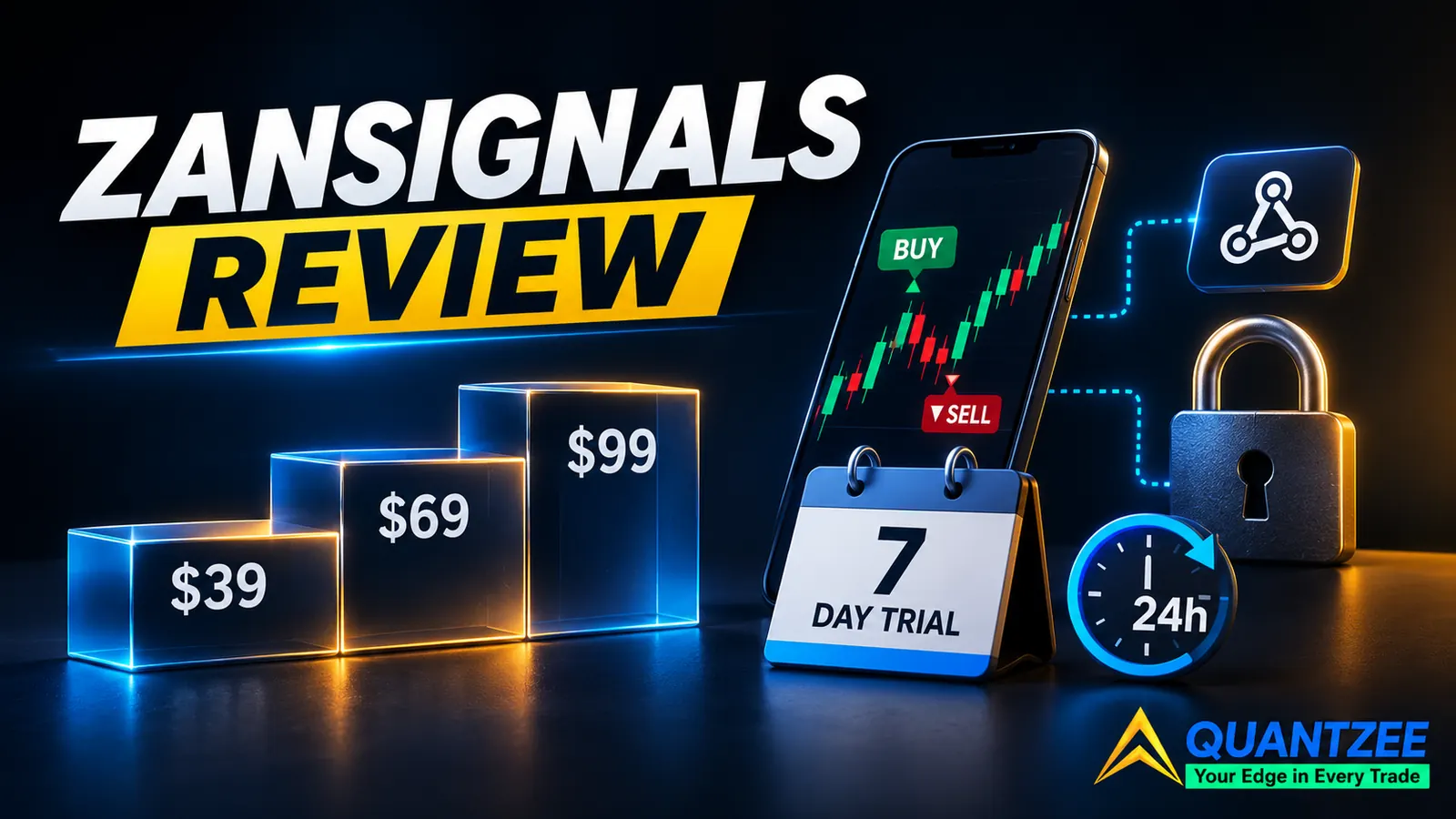
It depends on what you want to pay for. ZanSignals sells invite-only TradingView indicators that print BUY and SELL labels with take-profit and stop-loss levels, and it plugs into webhook alerts. If you want ready-made entries and automation hooks, and you're fine renting them at $39 to $99 a month, it can fit. If you want to own your tools, see a verified track record, or get a refund after a week of testing, it's a weak fit. On November 19, 2026, the vendor's own page showed three monthly tiers ($39, $69 and $99), a 7-day free trial, and a refund window of just 24 hours.
The short version: the free trial is the best thing about it, the price climbs fast once you want the automation features, and the headline performance number is a tuned result on one market. Treat it as a tool you test, not a system you trust.
How we compared these products
Our team opened the ZanSignals homepage, pricing section and FAQ on November 19, 2026, and copied every tier, price and policy line as shown. We compared that against prices we recorded on our own earlier review pages for other vendors. The methodology is plain: a sample of 8 vendors, one price per tier, one date per number. Where a figure comes from an earlier review, the table says so and links to it. We did not buy a plan, so this review covers what the vendor states, not what a paid account feels like day to day. When we describe a claim, it's the vendor's claim, not our finding.
What ZanSignals actually sells
According to the vendor's homepage, ZanSignals offers "professional TradingView indicators with built-in BUY/SELL signals, TP and SL levels and webhook alerts." The indicators are invite-only: you give the vendor your TradingView username, and access is granted manually, usually within a few hours. Late-evening sign-ups (CET) can wait until the next morning. Any TradingView plan works, including the free one.
The vendor says it has 8 indicators in total, and a third-party directory listing describes 14, so the catalogue size isn't consistent across sources. The named ones are ZanSession, ZanSignals Lite, ZanSignals Lite Tester, ZanTrader, ZanTrader Baseline, ZanTrader Swing, its tester, and ZanSignals Pro+. Lite shows labels with TP1 to TP3 and a stop loss and needs no setup. ZanTrader is the automation flagship, with extra DCA entries, a trailing stop and TP1 to TP4. Pro+ adds a Stochastic RSI read, a 0 to 15 confluence index, trendlines, entry blocks and divergences.
The footer names no legal entity or registration number. It shows the brand name, a support email and a line saying ZanSignals "is not an investment firm." That's not unusual for small indicator shops, but it does mean there's no company you can look up. Compare that with vendors that print a registered company on every page.
ZanSignals pricing explained
Here's the price ladder as shown on November 19, 2026. All three tiers are monthly. The page has a Monthly/Lifetime toggle, but the lifetime prices aren't displayed, and there's no yearly billing.
| Tier | Price | What you get |
|---|---|---|
| Starter | $39/month | ZanSession, ZanSignals Lite, Lite Tester, trend filter, Long/Short mode, optional break-even stop, 17 alert types |
| Pro | $69/month | Everything in Starter plus ZanTrader, 20 Cornix-style alert messages, extra DCA entry, trailing stop, TP1 to TP4 and SL in %, pips or ATR, SuperTrend and MultiMA filters, session filter, Baseline trend filter |
| Elite | $99/month | Everything in Pro plus ZanSignals Pro+, ZanTrader Swing and its tester, a private Telegram group |
Do the arithmetic before you click. Starter runs $468 over 12 months, Pro $828 and Elite $1,188. Stop paying and you lose access, because invite-only scripts are tied to your subscription. The automation features that most buyers come for sit in Pro and up, so $69 a month is the realistic entry point, about $828 a year.
Refund terms are tight. Monthly plans carry a 24-hour money-back guarantee counted from when access is granted, and the request has to go to the vendor's support address within those 24 hours. Refunds go back in the same currency and network as the payment, minus the network fee. Lifetime plans are non-refundable unless access is never granted. Because access can take hours to arrive, the window is shorter in practice than it sounds. Use the 7-day free trial first. It covers ZanSignals Lite and ZanSession only, needs no card, and allows one trial per TradingView account and network.
Does ZanSignals repaint?
The hero line on the vendor's page reads "Non-repainting, any market, any timeframe," and its FAQ says signals are "confirmed on candle close and do not change retroactively." That's a claim we can't confirm from the outside, because the code is closed. A candle-close rule is the right design, and it's what a non-repainting indicator should do. But it doesn't tell you about live behaviour, such as trailing stops that move or labels that appear a bar late.
We've seen the same pattern across the competitor reviews we've done: a closed script, a repaint promise, and no way to check it without running your own test. You can run one in about 10 minutes. Put the indicator on a 5-minute chart, let it run through a live session, and screenshot the labels as they appear. Then reload the chart and compare. Our guide on how to test a TradingView indicator for repainting walks through it step by step. If a label moved or vanished after reload, you have your answer.
The performance claim, read carefully
The featured result on the vendor's page is ZanTrader on ETH/USDT, 1-hour chart, January 2025 to May 2026, with tuned settings: 70 signals, a 78.6% win rate per signal, profit factor 2.87, max drawdown 9.07% and net profit of +90.3%. Those numbers come from TradingView's Strategy Tester, and the vendor notes that win rate is counted per signal, not per partial close.
Three things to keep in mind. First, 70 signals over about 16 months is a small sample. Second, "tuned settings" means the parameters were chosen after seeing the data, which flatters any backtest. Third, the vendor itself says commission and slippage can reduce real results. A single market and a single timeframe say little about how it behaves on forex or stocks. None of that makes the figures false. It makes them a starting point for your own test, not a forecast.
One practical tip for the trial: log every signal in a simple sheet with entry time, label time and the result after 4 hours. Ten trading days of notes will tell you more than any featured backtest, and it costs nothing.
ZanSignals vs LuxAlgo vs Quantzee
These three get compared because they all live on TradingView and all promise cleaner decisions, but they sell different things.
| ZanSignals | LuxAlgo | Quantzee | |
|---|---|---|---|
| Pricing model | Monthly subscription, $39 to $99 | Subscription (see our LuxAlgo comparison for dated figures) | One payment of $59.99, no renewal |
| Repaint stance | Claims confirmed on candle close, code closed | Reports of open-bar signal changes in our earlier review | Non-repainting design, Pine source emailed so you can check |
| Free trial | 7 days, Lite and Session only | Free tier exists | None |
| Refunds | 24 hours on monthly | 30 days, per our earlier review | None |
| Automation | Webhooks for 3Commas, Cornix, Alertatron | Alerts | Alerts on TradingView |
The honest read: ZanSignals is the most automation-minded of the three. Quantzee is cheaper over time and lets you inspect the code, but it has no refund and no trial, and it doesn't ship a Cornix-style bot-message layer. LuxAlgo has the deepest toolkit and a longer refund window, at a recurring cost. Pick by what you'll actually use. If you never wire a webhook, you're paying Pro prices for a feature you don't touch.
Best ZanSignals alternatives in 2026: 7 compared
Prices below are from our own review pages, each linked so you can see the date it was read. Pricing models move, so confirm on the vendor page before you pay.
| Alternative | Model | Price | Best for | Watch out for |
|---|---|---|---|---|
| LuxAlgo | Subscription | $17.49 to $32.99/mo billed yearly (Nov 10, 2026) | A deep toolbox with ongoing updates | Stop paying and you lose access |
| Big Move Algo | Subscription | $64/mo yearly, $97/mo monthly (Nov 9, 2026 review) | One focused signal overlay | Rent, never own |
| EzAlgo | Subscription | $75/mo (earlier review) | Simple buy and sell arrows | High monthly fee |
| GainzAlgo | One-time | $49.95 Standard/Pro, $299.95 V2 (earlier review) | Cheap buy-once arrows | Repaint claim only on V2 |
| Indicator Vault | One-time | From $249 (earlier review) | A buy-once collection | Higher entry price |
| ChartPrime | Subscription | About $67/mo (earlier review) | Chart-heavy visual overlays | Recurring cost; closed scripts |
| Quantzee AI TrendPulse | One-time | $59.99 once for the six-indicator line | Adaptive trend workflow, source included | No refunds, no free trial, no bot-message layer |
Read it by ownership first, price second. LuxAlgo, Big Move Algo, EzAlgo, ChartPrime and ZanSignals are rented. GainzAlgo, Indicator Vault and Quantzee are bought. If you've paid the same monthly fee for two years for the same arrows, the second group deserves a look. Our Pine Script alternatives comparison covers the own-the-code question in more detail.
Who should buy ZanSignals, and who should skip it
Buy it if you run bot-style alerts into 3Commas or Cornix, you want TP and stop levels printed for you, and you'll use the free trial to test the Lite signals on your own markets for the full 7 days. Start with Starter, not Elite. Move up only when you hit a specific limit.
Skip it if you want to verify code, need a long refund window, or can't tolerate paying roughly $828 a year for Pro with no ownership at the end. Skip it too if you expect the +90.3% backtest to repeat. It won't be your result.
Whatever you choose, check any seller's claims against an independent source. The US SEC investor alerts and FINRA investor insights pages explain what to look for in trading-tool marketing. You can read the vendor's own terms at zansignals.io, and see how we handle adaptive trend reads on our AI TrendPulse page.