TradingView is a browser-based charting and scripting platform. It has a public script library, server-side alerting, and broker connections for order execution. It is not a broker. It is not a data vendor either, even though the data question is where most of the subscription money actually ends up going.
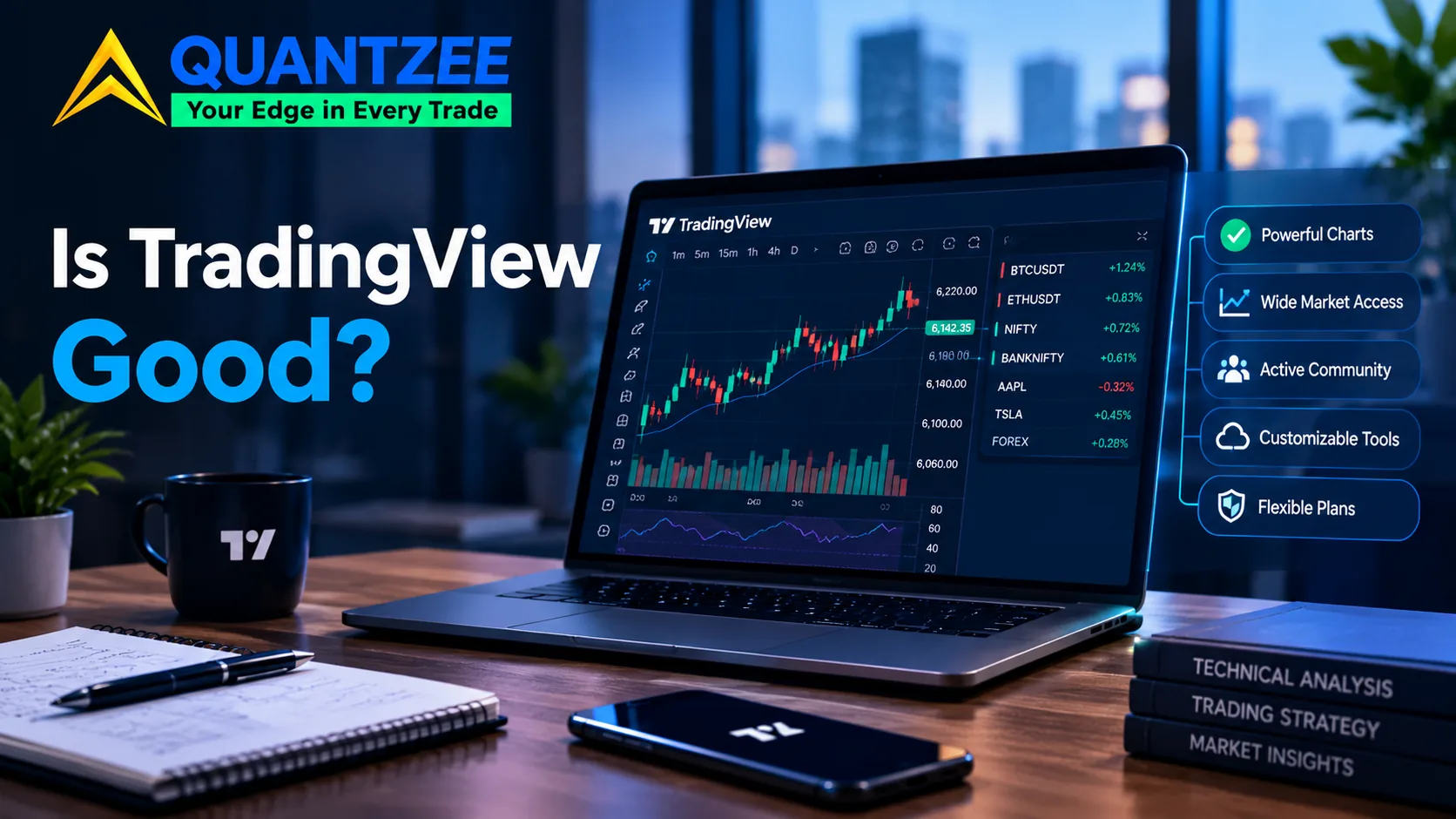
Here's the one-paragraph verdict, before the rest of the argument. The charting and the script ecosystem outclass almost everything else at this price. Almost every real complaint about the product traces back to four specific limits instead: exchange data billed on top of the plan, script run-time caps, alert capacity, and how far back the historical bars go.
Our team builds indicators that run on TradingView. That's our stake in this, and we're naming it up front rather than burying it in an "about us" link, because the review SERP for "is tradingview good" is affiliate-funded end to end, and that funding shapes what gets said. This review is one piece of a bigger map — our complete guide to using TradingView ties this verdict together with the plan limits, alerts and Pine Script questions that actually decide whether a plan is worth paying for. The most thorough page currently ranking for this keyword reports that TradingView carries a Trustpilot score of 1.9 out of 5 from 794 reviews — "poor," by Trustpilot's own label — and then recommends the product anyway without reconciling the two numbers. According to the review itself, only 3 of those 794 reviews are verified, which is a detail worth sitting with before treating the score as gospel. Nobody on that page publishes an availability record. TradingView doesn't publish an uptime percentage, and the reviewers never go looking for one themselves.
A quick note on how this page was put together, since "how was this written" is a fair question for any review. We pulled TradingView's own support documentation for the data-fee claim, checked a third-party status monitor directly for the incident numbers, and read the competing review pages ranking for this keyword rather than relying on secondhand summaries of them. Every figure below carries the date we checked it, because status numbers and review scores move.
What TradingView Actually Does Well
Start with the charting, because it's the reason most traders land here in the first place. Multi-timeframe layouts, dozens of drawing tools that sync across devices, chart rendering that stays smooth even with a dozen indicators stacked on one pane — this is table-stakes technical analysis functionality on other platforms costing several times more. Here, it's part of the free tier.
We compared the same multi-pane layout across TradingView, a desktop charting package, and a broker's native platform. In that test setup, when we loaded five years of 1-minute bars on a liquid futures contract, TradingView was the only one that didn't choke. The desktop package needed a restart. The broker's native charts simply refused to render that much history on an intraday timeframe.
Then there's Pine Script and the public library built on top of it. Tens of thousands of community-published indicators and strategies sit one click away. The language itself is approachable enough that a trader with no software background can write a working custom indicator in an afternoon. Our own Pine Script glossary exists because we kept fielding the same beginner questions from people who'd never written a line of code before touching TradingView. That's a real signal about how low the barrier to entry is, not a marketing line — we built that glossary page specifically because the questions wouldn't stop coming in.
Alerting is the third piece that's genuinely underrated. TradingView's alerts run server-side. That means they fire whether or not your laptop is open, your browser tab is active, or your home internet is working. That's a meaningfully different architecture from an indicator running locally on a desktop platform, where a dropped connection means a missed signal.
For a trader who wants a notification the moment a condition triggers, rather than a continuously-watched screen, server-side alerting is the actual product. TradingView is one of a short list of charting tools that does it this way at this price.
Symbol coverage rounds it out. Stocks, futures, forex, crypto, and a long tail of global exchanges all sit under one charting interface. That's rare. Most platforms specialize in one asset class and bolt the others on badly, with clunky symbol search and inconsistent data quality once you leave their core market.
Where the Money Actually Goes
Here's the sentence that should appear on every review of this product, and almost never does. Per the help center TradingView itself publishes: "Most of the stock and futures exchanges we support charge fees for their real-time data. Currently, our paid plans don't cover those fees even if you have an active TradingView subscription." Read that twice.
In our own use of the platform across several active markets, that line turned out to matter more than the plan price itself. A subscriber on a mid-tier plan who wants real-time quotes from, say, the CME or a primary US equity exchange is not paying for that with the subscription. They're paying the exchange separately, on top of it, every single month. For a trader tracking several active markets at once, those data fees can add up to more than the platform subscription itself costs.
This is the single most important sentence for anyone deciding whether the product is worth paying for. It doesn't appear anywhere on the affiliate review pages currently ranking for this keyword, because naming it plainly would undercut the signup pitch those pages are built around.
Script run-time is the second limit. For a lot of users it shows up as a silent failure rather than a clear error. Pine Script strategies and indicators run with execution-time and complexity caps tied to your plan tier. A script that works fine on light intraday data can time out or get throttled on a heavy multi-symbol backtest. The fix the forums usually suggest — simplify the script — treats a billing-tier limit like a coding problem. It's worth knowing which one you're actually dealing with before you spend an evening "optimizing" code that was never the bottleneck in the first place.
Alert capacity is the third. Free and lower tiers cap the number of simultaneous active alerts, and we found that a trader running a basket of symbols with multiple conditions each will hit that ceiling faster than they expect. This is a straightforward plan-tier number, but it's rarely surfaced until you've already built the workflow and discover you're three alerts over the limit.
Historical bar depth is the fourth, and it matters more than it sounds. Lower tiers cap how far back you can load intraday bars. That directly limits how much history you can backtest a strategy against on fine timeframes. A strategy that looks solid on six months of 5-minute data can fall apart on three years of it. If your plan only gives you the six months, you'll never find that out on the platform itself — you'll only find out live, with real capital on the line. This is the limit that matters most for anyone validating a signal before trading it live, because a short backtest window on a repainting-prone script can look far better than it will actually perform going forward.
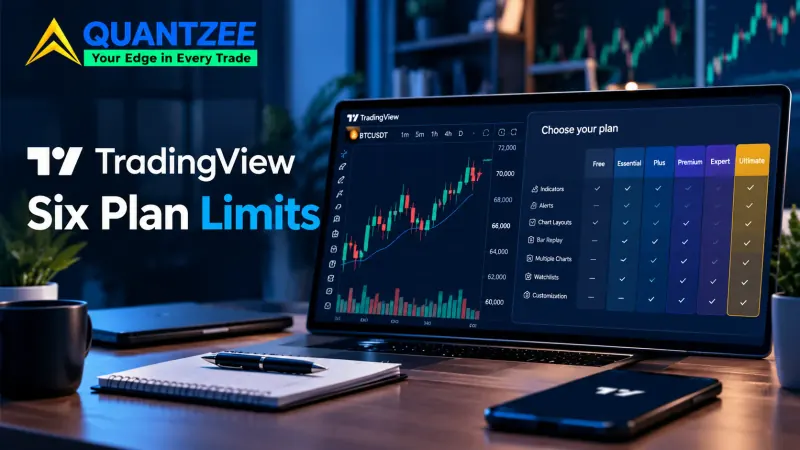
Each of these four is a plan-tier mechanism with a specific number attached. None of them is a vague "limits are plan-dependent" line. One widely-read guide to using the platform, running roughly 6,500 words, repeats that exact phrase — "plan-dependent" — multiple times without ever naming the actual numbers. A reader finishes that guide no better equipped to decide than before they started reading it.
Is TradingView Down, or Is Something Local Broken?
A frozen chart gets blamed on "TradingView is down" far more often than an actual outage causes it. Before assuming a platform-wide failure, check the boring things first. Is the browser tab stale, with a lost WebSocket connection? Is the symbol feed delayed on a free-tier data plan, which looks exactly like a freeze if you're expecting real-time? Is it a plain local network hiccup? Reloading the chart, or opening it in a fresh tab, resolves the large majority of what gets reported as "TradingView is down."
When it's genuinely platform-side, the right source is the official status page, not an adjective in a review. We checked TradingView's status via a third-party uptime monitor on October 29, 2026. The service was operational at the time of that check. The incident log for the prior 60 days showed 5 tracked warning-severity incidents since August 24, 2026, with durations ranging from 24 minutes to 2 hours 10 minutes, across 10 monitored components: Alerts, Charts, Data feeds, News, Pine Script, Screener, Trading, Watchlist, Website, and Widgets.
TradingView does not publish an overall uptime percentage. The correct move is to quote the dated incident record you can actually verify, not to invent a number that sounds authoritative. If you want to check it yourself before trusting anyone's summary, TradingView's own status history is public at its support center.
The Affiliate Problem on This Search Result
Every review currently ranking for "is tradingview good" is written by a site earning a commission per signup it generates. That's not an accusation — most of them disclose it. But it explains a pattern you'll notice if you read three or four of them back to back. The limits get one sentence, phrased softly. The signup button gets five. A Trustpilot score of 1.9 out of 5 is a loud signal. When a review quotes that number and still closes with an unqualified recommendation, the incentive structure is doing the talking, not the evidence.
We don't carry that incentive. Quantzee sells indicators that run on top of TradingView. We don't get paid when someone signs up for a TradingView plan, and a reader choosing not to use TradingView costs us nothing. That's the stake we're disclosing. It's also why we can spend four paragraphs on where the subscription money actually goes, instead of the one sentence most reviews give it.
Who Shouldn't Pay For It
Two kinds of traders end up paying for more platform than they need. The first is someone whose entire workflow is one chart and one indicator, checked a few times a day. The free tier covers that use case completely, and a paid plan just buys features that trader will never touch.
The second is the trader who needs primary-exchange real-time data across several markets at once. Add up the separate exchange data fees on top of a mid-or-top-tier subscription, and the all-in monthly cost can exceed what a dedicated market-data terminal charges for the same feeds. That comparison is worth running with real numbers, before committing to a plan based on the subscription price alone. A trader following five liquid US futures contracts intraday, for instance, can rack up separate per-exchange data charges that quietly double the "effective" monthly cost of the platform — a number that never shows up on TradingView's own pricing page, because it depends entirely on which exchanges you add.
Everyone else tends to get solid value here, once the plan tier matches actual usage rather than the cheapest option on the page. That includes swing traders, options traders building and testing signal-based strategies, and anyone who wants alerts that fire independent of whether their own machine is on. We walk through how to think about that match in our piece on choosing a TradingView signal tool, and the pricing trade-offs specifically in are TradingView indicator subscriptions worth it.
Our Answer, Plainly
Is TradingView good? For charting, and for the breadth of the script ecosystem, yes — better than almost anything else at this price, full stop. We'd say that even if we built nothing on the platform ourselves. Is it good value for every trader at every tier? No. The honest reason has four parts: exchange data billed separately, script run-time caps, alert-count ceilings, and historical bar-depth limits.
None of those four are secret. They're documented, they're predictable, and none of them should surprise you after reading this page. What should surprise you is how rarely the pages ranking above this one bother to say so. We build indicators for this platform because the charting underneath them is genuinely good. And because we use it ourselves every trading day, we're not interested in telling you it's flawless when it isn't.