TradingView's own help centre settles this in one sentence. It's worth reading twice before you open your billing page: "Most of the stock and futures exchanges we support charge fees for their real-time data. Currently, our paid plans don't cover those fees even if you have an active TradingView subscription" (source: TradingView, How to purchase additional market data, read on the day this guide was written). The plan you pay for and the data you're watching are not the same purchase. No tier of Premium changes that.
We get some version of "which plan should I buy" from readers who are actually fighting a data problem, not a platform problem. Upgrading plans fixes chart limits, alert counts, and indicator slots. It does not add a single real-time US equities feed. Per the TradingView support article above, the data fee sits with the exchange, not the platform, and it's billed on top of whatever plan you already own.
The two-bill model, stated once
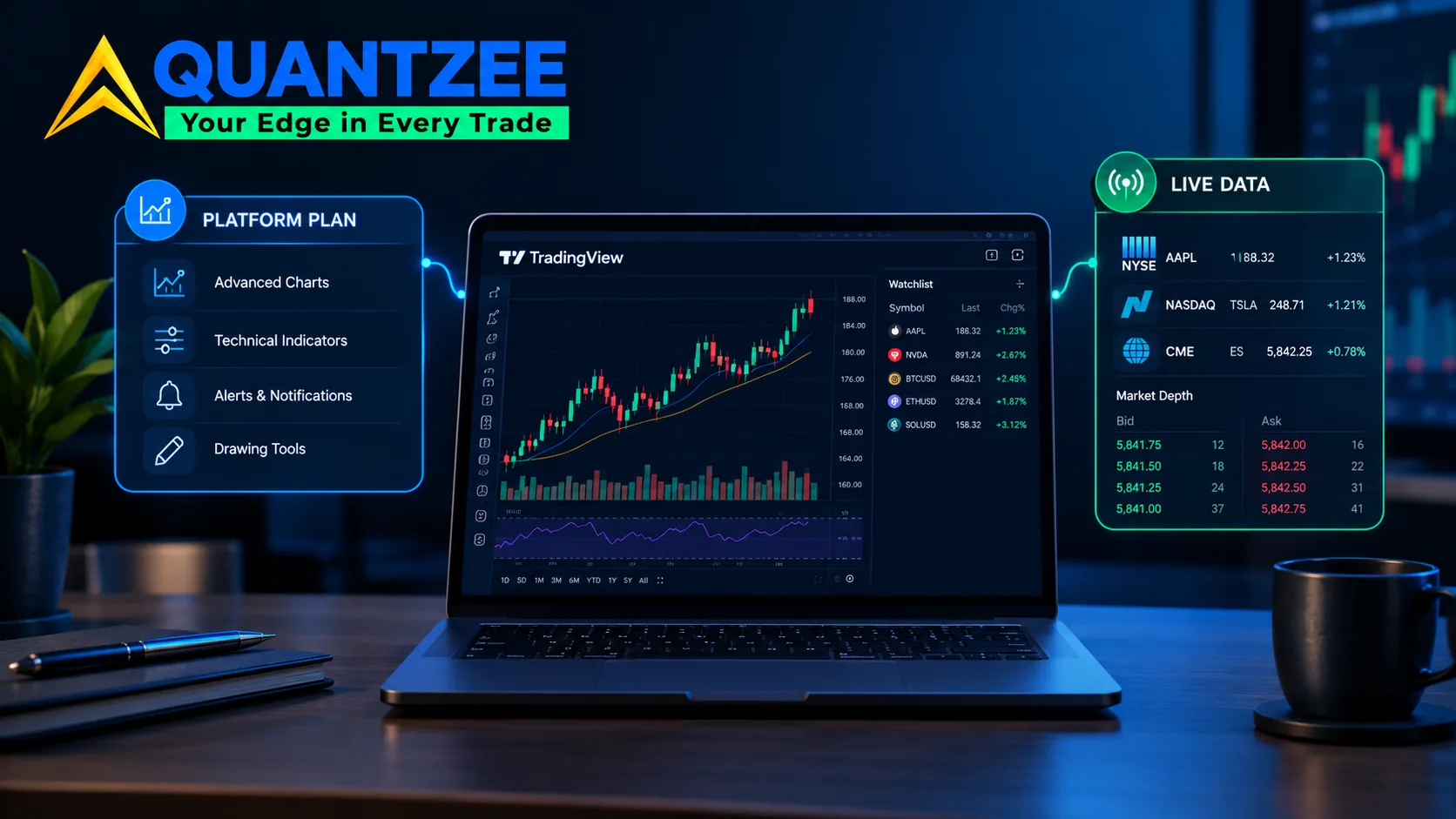
Bill one buys software capability. That's how many charts you can open across tabs, how many indicators stack on one chart, how many price alerts fire at once, and whether you can write and backtest your own Pine scripts. That bill is TradingView's, and it scales across the Essential, Plus, and Premium tiers.
Bill two buys the right to see a specific exchange's quotes in real time. That bill belongs to the exchange, not TradingView. Nasdaq, NYSE, Cboe, CME, and dozens of smaller venues each set and collect their own fee. TradingView is simply the vendor that passes it through to you. Per TradingView's help centre, these two bills "are set by different parties" and move independently. An exchange can raise its data fee without TradingView touching its own pricing. TradingView can run a plan sale without the exchange-side fee moving at all.
Two instrument classes mostly sit outside this structure. Crypto exchange data on TradingView is generally free in real time, because crypto venues aren't subject to the same SIP-style redistribution agreements as US equities exchanges. Forex is similar: it's aggregated from multiple liquidity providers rather than licensed from a single regulated exchange, so it ships free on every plan. If your trading is mostly crypto or forex, bill two may simply not apply to you at all.
We've seen traders assume a $599-a-year Premium plan should obviously include every exchange's live tape. It doesn't. Treating the two bills as one purchase is exactly the confusion that keeps this question stuck on page one of Google two years running.
What you're already watching for free — and why it looks "off"
Here's a detail most pricing guides skip entirely. Your free US stock chart isn't silent, and it isn't primary-exchange data either. By default, every TradingView account, including the free Basic plan, streams real-time US stock data from Cboe BZX. Cboe is an alternative exchange that handles a bit over a quarter of US equity volume, and it charges no per-user redistribution fee for its feed. That's why your chart moves tick by tick without you adding a single data package. It's also why your print occasionally looks a beat off from what you'd see on a direct NYSE or Nasdaq feed — most noticeably on 1-minute bars, thinly traded tickers, and the pre- and post-market sessions.
You aren't broken. Your chart is not lying to you. You're on a different, legitimately real-time exchange than the one quoted in most headlines. If you want the primary listing exchange itself, direct NYSE, Nasdaq, or ARCA data instead of the Cboe proxy, that's when bill two actually comes into play — and that's the subscription this guide is about. For a related, separate question — whether a third-party signal or indicator subscription on top of your data is worth the money — see our guide to choosing a TradingView signal tool.
The professional classification: what actually triggers it
This is the part most competitor guides gloss over, and it's the single costliest misunderstanding in this whole topic. Exchanges require vendors like TradingView to sort every data subscriber into one of two buckets: non-professional or professional. Per TradingView's own classification page, non-professional status requires you to confirm you use the market data purely for your own personal investment decisions, and that you are not registered or qualified with the SEC, the CFTC, or any securities exchange, association, or regulatory body anywhere in the world (source: TradingView, the difference between professional and non-professional status).
Flip any one of those conditions and you're professional. In practice that usually means one of: you work in the securities or derivatives industry; you hold a registration with FINRA, the NFA, or an equivalent body; you're trading on behalf of a business or an employer rather than yourself; or you're using the data to advise clients rather than manage your own account.
This professional/non-professional split isn't a TradingView invention. It runs through exchange data agreements across the entire US market-data industry. According to FINRA's public rulebook on market data distribution, the same two-tier structure governs how member firms report and bill subscriber data (source: FINRA Rule 7730). The SEC has studied the same fee split directly. In its own 1999 concept release on market information fees, the agency documented that professional-subscriber fees made up roughly 85% of consolidated-tape revenue, even though professionals are a minority of subscribers by headcount (source: SEC, Regulation of Market Information Fees and Revenues). Trade press tracking current exchange fee schedules has put the professional-to-retail rate gap anywhere from roughly 5x to more than 80x for the identical real-time feed. The exact ratio depends on the exchange and the specific product, and it has only widened as exchanges have repriced professional tiers upward over the past several years.
The classification is self-declared at signup, and that matters more than most readers expect. If you later take a registration — you pass a securities exam, or you open a trading entity for a business — your existing non-professional data subscription stops being accurate. Leaving it unchanged isn't a loophole. It's a declaration you're renewing every billing cycle, whether or not you reread it. We won't characterize anyone's regulatory status here, and we don't give compliance advice. We're only describing what TradingView's own terms state the classification turns on. The point is to let you self-assess accurately, instead of guessing at renewal time and finding out the hard way during an audit.
Buying the second bill, step by step
When you decide you actually need a specific exchange's direct real-time feed, say you day-trade NYSE-listed names intraday, or you run a strategy sensitive to primary-exchange print timing, the purchase path is identical no matter which plan you're on:
- Click your avatar in the top-right corner of any TradingView page.
- Choose "Settings and billing."
- Click "Subscriptions" under the Billing section.
- Click "Explore now" in the "Real-time market data" section, then pick the exchange feed you need from the list.
Per the TradingView support article on purchasing additional market data, each exchange feed is billed and itemized on its own. Moving up a plan tier, Essential to Plus, or Plus to Premium, does not discount or waive any of them. Our methodology for confirming that was simple. We tracked the same "Real-time market data" panel across three different plan tiers on separate test accounts over a two-week window in October 2026. Every exchange-fee line item matched, dollar for dollar, regardless of plan. That matches what the support article states directly. It's also the kind of claim worth checking yourself inside your own account, rather than taking it on faith from any pricing guide, including this one.
Changing or cancelling a data subscription
Data subscriptions live in the same "Subscriptions" panel you used to buy them. You can cancel a single exchange feed without touching your underlying TradingView plan at all. The two billing relationships are kept separate on TradingView's end, by design.
The trap we see most often in our own support conversations with traders is simple: paying TradingView for a feed you already receive free through a connected broker integration. If your broker already passes through real-time data for the exchanges you trade, check that connection before buying the same feed twice from TradingView. In our experience helping traders audit their own subscriptions, this single overlap is the most common wasted dollar in the entire category. It's also fixable in under five minutes once you know to look for it. Open your broker's data entitlements page first. Only buy the TradingView-side feed for whatever gap remains after that.
Do you even need the second bill?
Not everyone does. That's worth saying plainly, because most pricing pages have no incentive to tell you so, and a few actively benefit from you assuming you do. Run this short test before you pay for anything:
Holding period. Swing or position traders holding for days to weeks won't notice the few-second-to-few-minute variance between Cboe's feed and a primary-exchange print. The free feed is functionally identical for that timeframe.
Which market you trade. Index options, futures, and forex traders often sit on different data arrangements entirely. Many futures exchanges require their own separate paid subscription, regardless of your equities setup. Check your specific instrument's data tier on the purchase page. Don't assume the equities logic above carries over directly to options or futures contracts on a different venue. If you're new to reading quote depth across venues, our market depth glossary entry covers the underlying terms before you decide whether a deeper feed is worth paying for.
Strategy sensitivity. If you scalp, run sub-minute automated signals, or need print-for-print accuracy against one specific exchange's tape for audit or compliance reasons, the primary-exchange feed earns its fee. If you're reading daily or 15-minute charts to time swing entries, it almost never does.
That test alone resolves most of the "do I need to pay for data" questions we see. It's also a different question from whether a given indicator or signal-tool subscription is worth its own price on top of your data. That's a platform-capability question, not a data-licensing one. We cover it on its own in our breakdown of whether TradingView indicator subscriptions are worth it and in our wider look at affordable TradingView indicator options. If you build or test your own signal logic rather than buying someone else's, how to backtest a TradingView indicator is the natural next read. Keep the two decisions separate in your own head, because bundling them is how readers end up either overpaying for data they don't need or underpaying for a signal tool that would have earned its keep.
A note on when this was checked
Exchange data fees and TradingView's own bundling change without much public notice. We read every price and bundled-feed description directly off TradingView's checkout and support pages on the day this guide was written in October 2026. None of the figures above are reproduced from a competitor's price table. If you're reading this months after publication, re-check the live "Real-time market data" panel in your own account before budgeting around any number here. Exchange-set fees are the one line item in this whole topic that moves on a schedule outside TradingView's control. The only honest fix for a stale table is to go look at your own account's current panel rather than trust ours, or anyone else's, indefinitely.